Buying Guide for the Best Home Printers
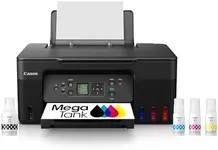
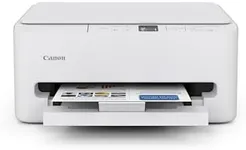
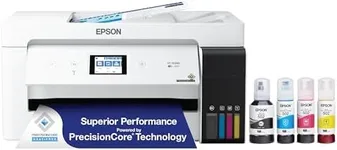
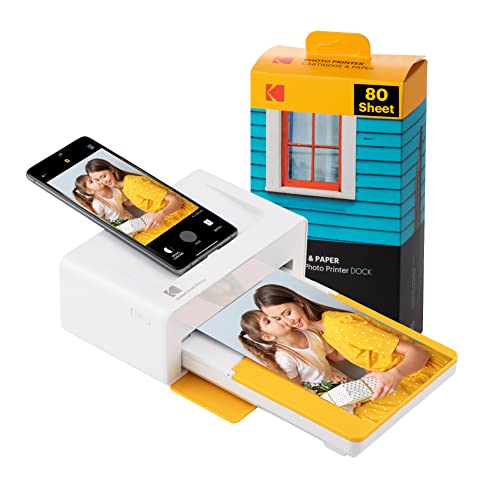
When choosing a home printer, it's important to think about how you'll use it—like whether you'll mostly print documents, photos, or a mix of both. Understanding your main needs will help you avoid paying for features you don’t use, or ending up with a device that feels underpowered. Good home printers strike a balance between print quality, speed, connectivity, and running costs, so knowing a bit about key features will go a long way in picking something that fits your lifestyle.Printer Type (Inkjet vs. Laser)The printer type refers to the core printing technology. Inkjet printers spray tiny droplets of ink onto paper, making them good for rich photo prints and varied color usage, while laser printers use toner and are excellent for fast, sharp text documents. If you print mostly high-quality photos or a variety of color documents, inkjet will suit you better; but for mainly black-and-white text or heavy document use, a laser printer might be your best bet. Consider how often you print photos versus basic documents; this choice is usually the first big step in finding your perfect fit.
Print ResolutionPrint resolution is measured in dots per inch (DPI) and indicates how detailed your printouts will be. Higher DPI values mean crisper images and finer detail, which is important if you want to print photos or graphics. If you only need basic text documents, standard DPI settings (around 600x600) are enough. For occasional photos, look for higher resolution (at least 1200 DPI and up). Think about the quality you want: everyday forms or detailed family photos. This guides how high a DPI you need.
Print SpeedPrint speed is usually measured in pages per minute (PPM). It tells you how quickly the printer can produce a page. If you often print large batches or need things done quickly, higher PPM will save you time. For users who only print now and then, speed isn’t as crucial. Typical home needs might be satisfied with slower models, but if you see yourself printing long documents regularly, focus on models with higher PPM.
Connectivity OptionsConnectivity determines how your printer links to your devices. Traditional USB connections are common, but modern printers often add Wi-Fi, Bluetooth, or sometimes even Ethernet. Wireless options are great for printing from laptops, phones, and tablets anywhere in your home. If you value flexibility and have multiple users or devices, seek out printers with strong wireless support. If you like things simple or only print from one device, basic connections suffice.
All-in-One FeaturesAll-in-one printers add functions like scanning, copying, or sometimes faxing alongside printing. These features are handy if you often need to digitize or duplicate documents. If you only need to print, a simple printer will do. But for those who foresee tasks like occasional scanning (for homework, receipts, etc.), this feature adds a lot of convenience.
Paper HandlingPaper handling covers how much and what type of paper the printer can manage. Some can only handle regular sizes like A4, while others also print envelopes, labels, or heavier photo paper. It’s worth checking how many sheets the main tray holds, which is important if you dislike frequent refills. If you print specialty items like cards, or need big capacity for family use, consider these features in your choice.
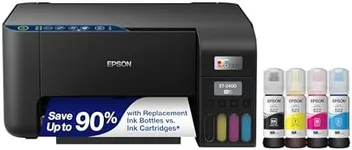
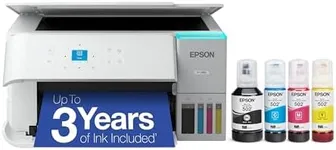
Operating Costs (Ink/Toner Consumption)This spec refers to how often you’ll need to replace ink or toner, and how much those refills cost. Some printers use cartridges that run out quickly, while others have larger, more economical tanks. Think about how much you plan to print — heavy users should look for printers with high-yield options, while occasional users might be fine with regular cartridges. This factor can make a big long-term difference, especially for families or students.